Head out together
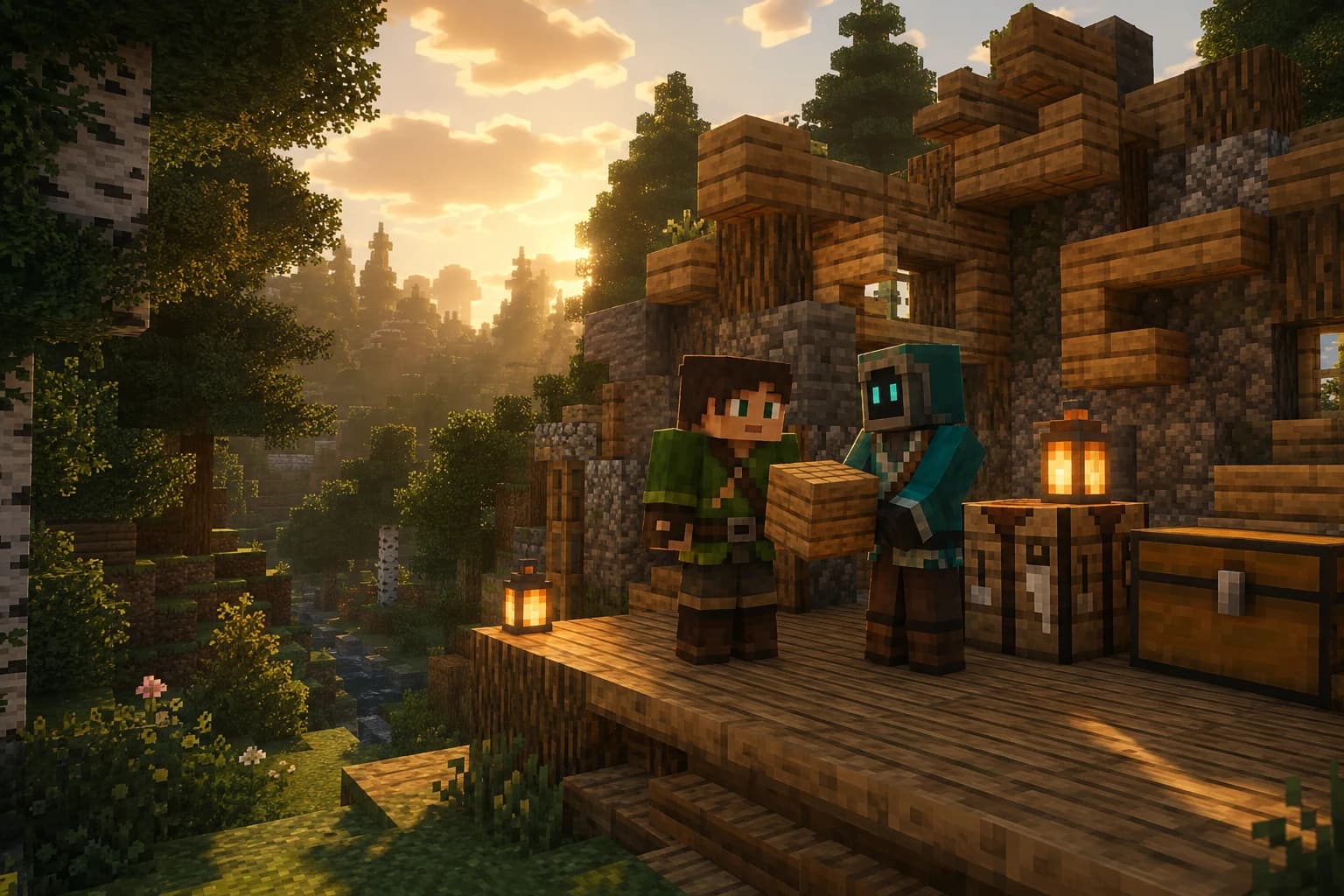
They can follow you, gather materials, craft tools, place blocks and stand beside you in a fight. With their own inventory and the same dangers you face.
VoxelMind Companion · Fabric mod
Someone to head out with, gather wood for your next idea and remember your shared adventures. Bring an AI companion into the Minecraft world you already love.
Your companion observes the world, reads your conversations and decides what to do. They can help, have their own ideas, ask questions and sometimes get things wrong.
They can follow you, gather materials, craft tools, place blocks and stand beside you in a fight. With their own inventory and the same dangers you face.
Conversations, places and experiences become part of their memory. Your story can continue across play sessions. Persistent memory is included in every plan.
Give them a name, a look and a personality in your own words. The AI decides how to respond to you and the world from what it experiences.
Now with voice support
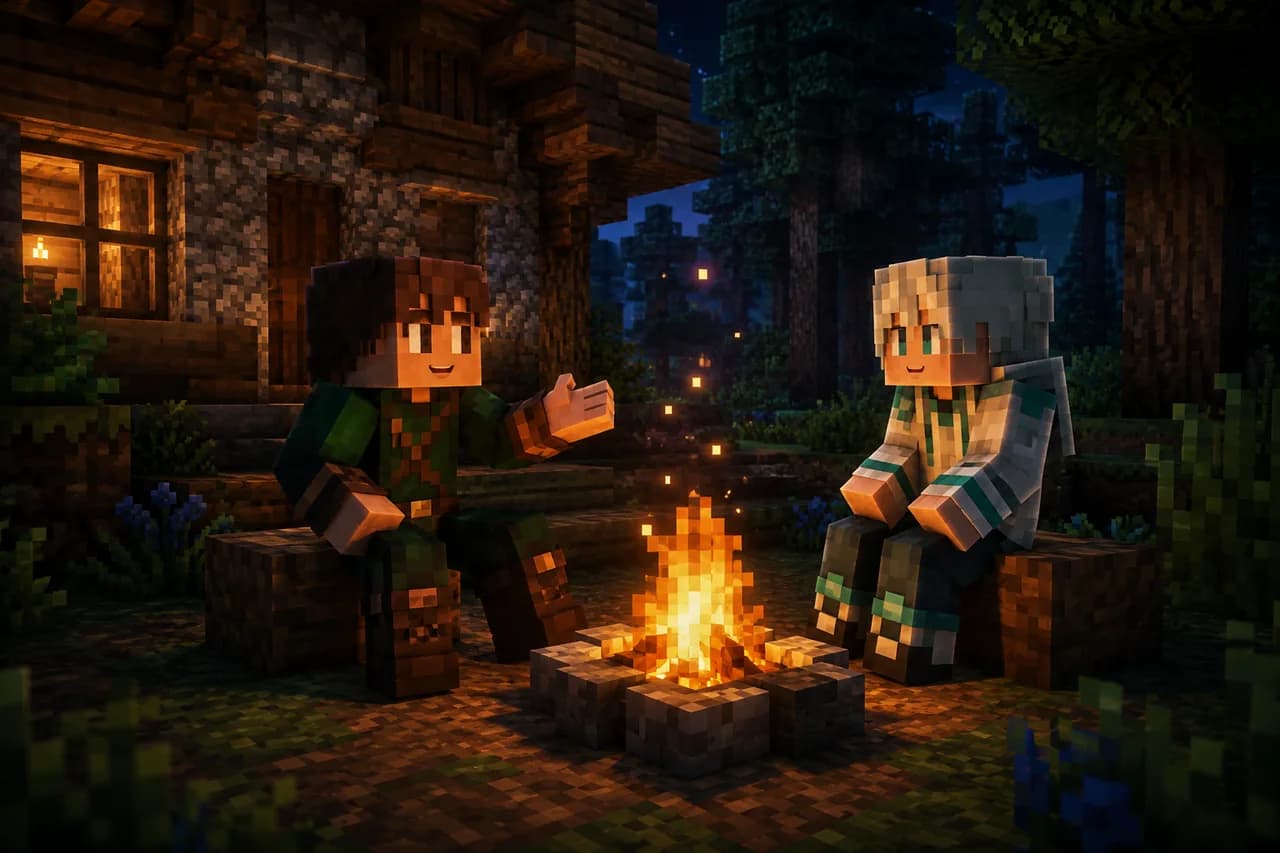
Push-to-talk turns typing into a conversation. Hold B by default and speak to your active companion. Releasing the key sends a transcription to game chat; replies can come back as generated speech.
Voice needs a compatible mod build from 0.8.3. Key bindings and audio options live in the mod. Check the available file for your Minecraft version.
More ways to play
Two more ways to play await in the mod. Builder and God Mode are previews with known bugs: use a test world and stop active companions before switching.
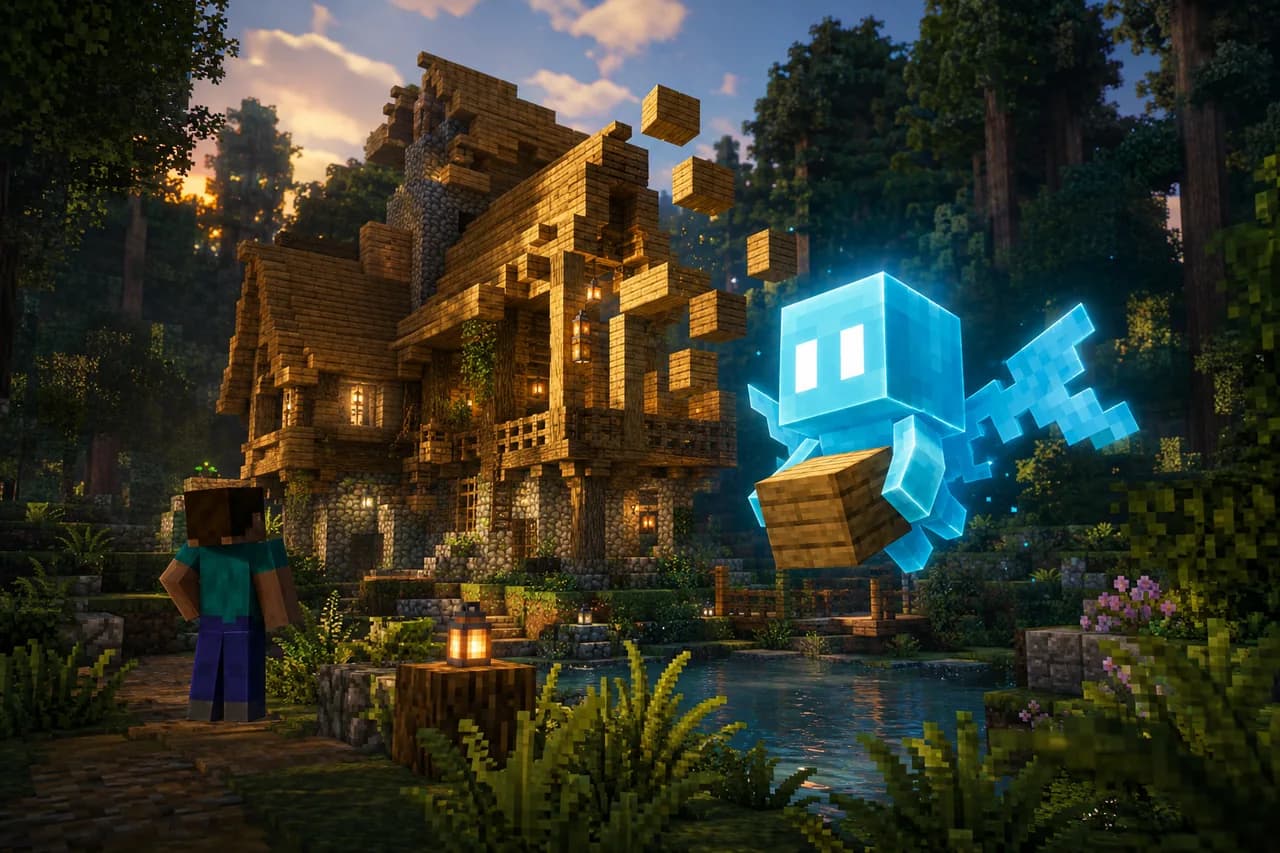
In Builder Mode, a glowing Allay fairy follows you and can bring your building ideas into the world using its tools.
Explore Builder Mode
God Mode gives an AI tools to act within your world. What will it do with them? Find out. For singleplayer and LAN hosts.
Explore God ModeFrom download to adventure
You need Minecraft Java, Fabric Loader and the mod file matching your game version. A VoxelMind account connects the mod to your AI.
Download the modChoose the file for your Minecraft version on CurseForge. Install Fabric and the dependencies listed for that file, put the mod in your mods folder and launch the game.
Press V to open the VoxelMind menu or use /vm login. Sign in through your browser, then return to Minecraft.
Give your companion a name, personality and look. Spawn them in your world using the VoxelMind menu and say hello in chat.
Voice, Builder and God Mode were introduced in 0.8.3. If a compatible public build is not available for your game version yet, check Discord for preview updates. Discord
Connects through the built-in tunnel.
Play together in the host’s world.
Companion connections must be allowed.
Currently unsupported.
The easiest way to control the mod is through its V menu.
| Command | Description |
|---|---|
/vm | Open the VoxelMind GUI (same as pressing V) |
/vm login | Log in to your VoxelMind account |
/vm logout | Log out of your account |
/vm spawn | Spawn your bot on the current server |
/vm stop | Despawn your active bot |
/vm stopall | Despawn all your bots |
/vm list | List all your bots |
/vm status | Show bot status (HP, activity) |
/vm lan | Open your singleplayer world to LAN |
Before you set out
Installation, servers and memory – here are the essentials.
Join DiscordYes! The mod automatically opens your world to LAN and creates a secure tunnel to our servers. No port forwarding needed, just spawn your bot and play.
Yes: any server you can connect to. The bot joins the same server you're on. The server needs to have online-mode set to false (offline mode), since bots don't have Mojang accounts.
VoxelMind bots connect as independent players via Mineflayer. They don't have Mojang/Microsoft accounts, so the server needs to allow offline-mode connections. Most hosting providers (Aternos, Apex, etc.) have a toggle for this in server settings. Security note: online-mode=false lets clients connect without Mojang authentication, so anyone could join under any name (including operators). Set whitelist=true and keep the server private.
Every companion has permanent memory from the start, on every plan including Free. Your shared builds, conversations and experiences remain part of the same companion across sessions.
Free and Friend allow 1, Bonded up to 3 and Premium up to 10 simultaneous survival companions. In the new plans, AI time counts per active companion: three companions for one hour use three hours of allowance.
Check: (1) Is your server running and joinable? (2) Is online-mode=false? (3) Are you logged in to the mod? Try /vm status to check your connection. If the issue persists, report it in our Discord.
No. Minecraft Realms doesn't allow offline-mode connections, which VoxelMind bots require, so Realms isn't supported. Singleplayer (via the built-in tunnel) and any online-mode=false server work great.
VoxelMind is a standard Fabric mod that only adds UI and network features. It does not modify game files, inject code, or download executables. The AI runs on our servers, not on your computer.
Jump right in
Play on play.voxel-mind.com with a regular Minecraft Java client. Create and manage your companion in Bot Control on the web.